Anonymizing documents
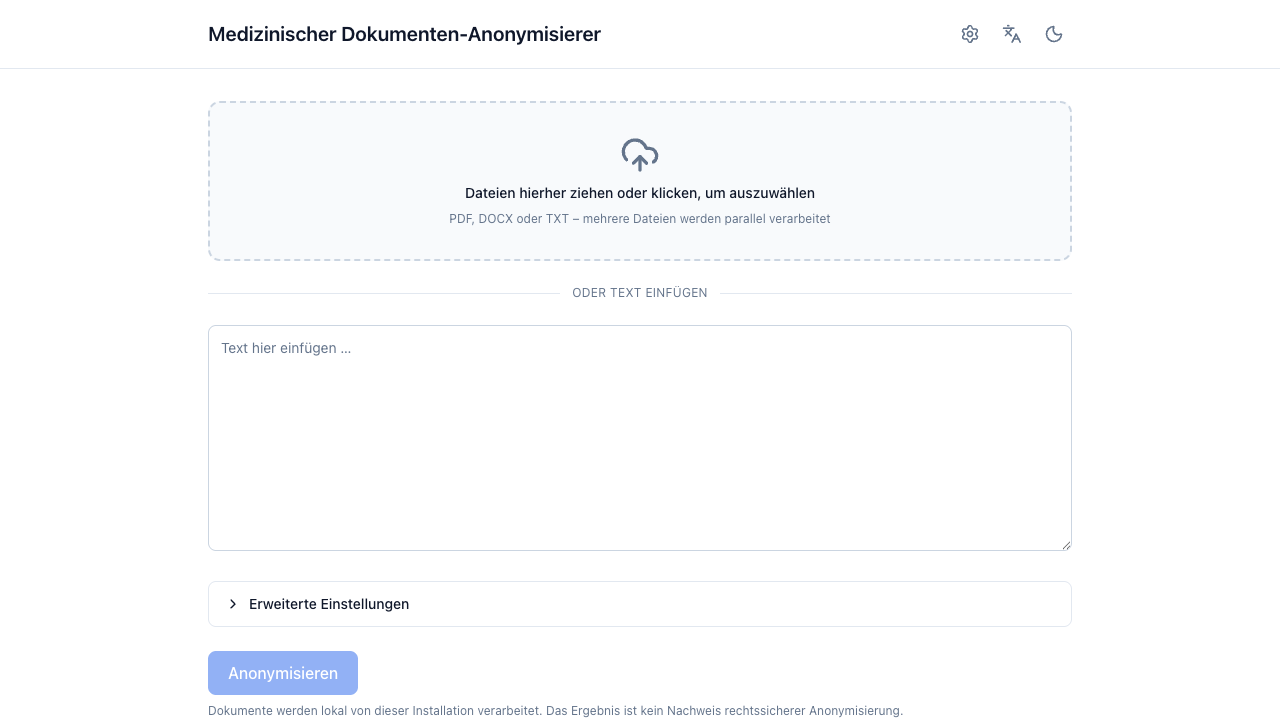
Input formats
| Input | Notes |
|---|---|
| Pasted text | Anything you can copy. The fastest path for a quick check. |
.txt |
UTF-8 (with or without BOM). Binary content is rejected. |
.docx |
Paragraphs, tables, headers and footers. Text boxes, comments and tracked changes are not extracted — the app warns you when it finds them. |
.pdf |
Native PDFs are read directly. Scanned PDFs are detected and routed to OCR (OCR engines). |
Limits come from the server configuration and are shown in the error message when you hit one: upload size (20 MB by default) and extracted text length (500 000 characters by default).
One document or many
Drop several files at once and each becomes its own document. Up to five stream in parallel; the rest queue and start as slots free up.
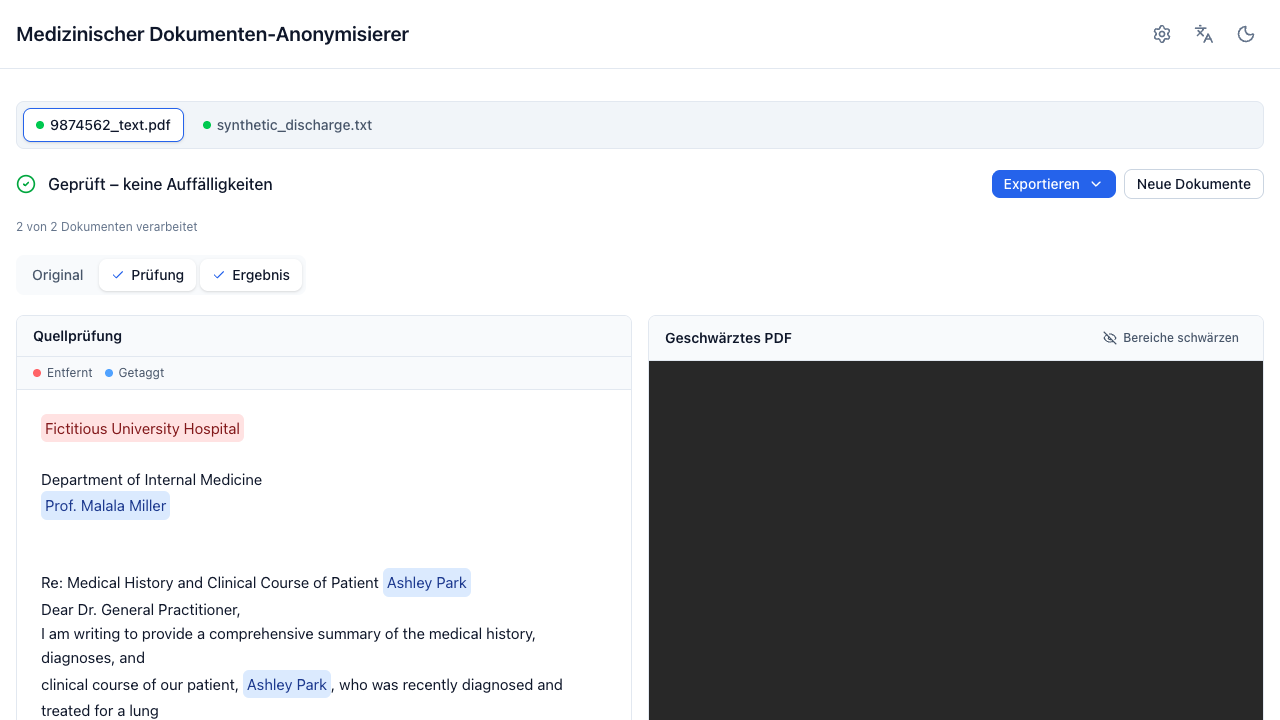
Switch documents with the bar at the top. Each keeps its own result, corrections, and panel layout. A document that fails gets an error card with a retry button — the rest of the batch is unaffected.
Pasted text is always a single-document batch, and the paste area is disabled while files are selected. Remove the files to paste instead.
Progress
Processing streams its progress, so you see the stage rather than a spinner:
| Stage | Meaning |
|---|---|
| OCR | Page images are being transcribed (scanned PDFs only). Per page, so the bar is meaningful. |
| Erkennung | Detection: rule detectors plus the LLM over the document chunks × passes. |
| Nachprüfung | The LLM re-check of the anonymized output. |
Closing the tab or pressing Neues Dokument cancels the in-flight request server-side.
Scanned PDFs
A PDF whose pages carry too little extractable text is treated as scanned. What
happens next depends on OCR_ENGINE:
- not configured — the document is rejected with a clear message. The app will not report an empty document as successfully anonymized.
- configured — pages are transcribed and the result is marked
PDF (OCR). The text carries a warning that recognition errors are possible.
For a scanned source, the redacted PDF export is a reconstruction: the anonymized text is laid out at the recognized positions and the original pixels are discarded. That is deliberate — it is the only way to guarantee nothing identifying survives in the image. The panel says so.
If a PDF has an embedded text layer but the text is garbage (a bad scan pipeline, or a mixed document), switch on OCR erzwingen in the advanced settings to skip the probe and re-OCR every page.
Errors you may see
| Message | What it means |
|---|---|
| Dateityp nicht unterstützt | Only .txt, .docx, .pdf are accepted. |
| Datei zu groß | Above the configured upload limit. |
| Dieses PDF scheint gescannt zu sein. OCR ist nicht aktiviert. | Ask your administrator to configure an OCR engine. |
| Der KI-Erkennungsdienst ist nicht erreichbar. Das Dokument wurde NICHT anonymisiert. | The LLM endpoint is down or misconfigured. Nothing partial is returned — by design. |
| Ergebnis abgelaufen – wird neu berechnet | The 15-minute in-memory cache expired; the app re-sends the source automatically. |
More detail in Troubleshooting.